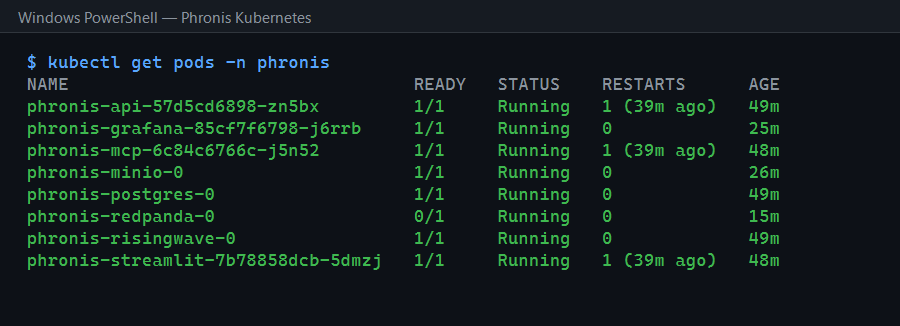
The MinIO pod never reached Running. Its init container (there to create the storage bucket) kept exiting with connection refused to localhost:9000. The thing it was trying to reach was the very container that hadn’t started yet.
// 01 — THE SETUP
The MinIO pod had an init container whose job was to create a bucket on first deploy. It did so by calling the MinIO API at localhost:9000, the same pattern that worked in docker-compose.
// 02 — THE CULPRIT
Kubernetes init containers run to completion before the main container starts. That’s their entire purpose: guaranteed-before setup. But it means when the init container called localhost:9000, MinIO itself wasn’t running yet. In a pod, init and main containers share a network namespace (so localhost is the same pod), but the main container is, by definition, not up while the init container runs. It was knocking on a door before anyone moved in.
// 03 — THE FIX
Remove the init container entirely:
# k8s/minio.yaml — initContainers section deletedFor a development deployment, creating the bucket on first write is sufficient. The application makes it when it needs it. The init container was solving a problem that didn’t need solving in this context, and its very ordering guarantee made it impossible.
TAKEAWAYS
- Init containers complete before the main container starts. Anything an init container needs from the main container, including reaching it on localhost, cannot work by definition.
- Init containers are for prerequisites that exist outside the pod (waiting on a dependency, fetching config), not for talking to the pod’s own main process.
- The simplest fix is sometimes deletion. Create-on-first-write removed an entire failure mode.
NEXT
- Anomaly log: an em-dash broke my PowerShell script.